A time-saving trick to arrange windows in the new macOS Tahoe 26

Previously, organizing windows in the macOS can be a chore. I had to rely on third-party solutions just to get it right. Well, with the new macOS Tahoe 26, Apple makes it natively easier.
The new feature allows users to resize windows in split-screen or arrange your current window to the right of the screen.
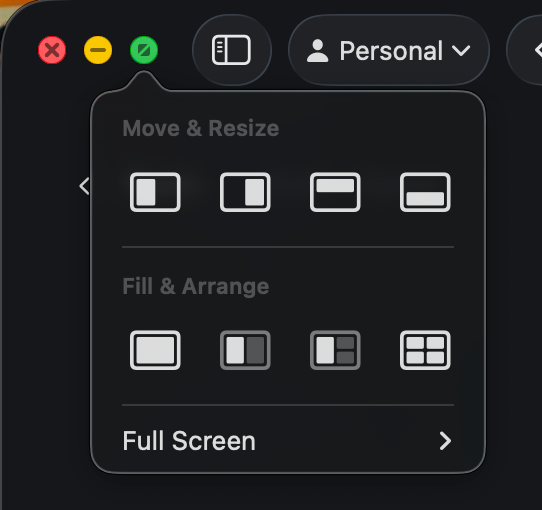
One non-obvious tip is while hovering over the traffic light controls, hold down the Option key and you will have the option to place the window to the right or in quadrants.
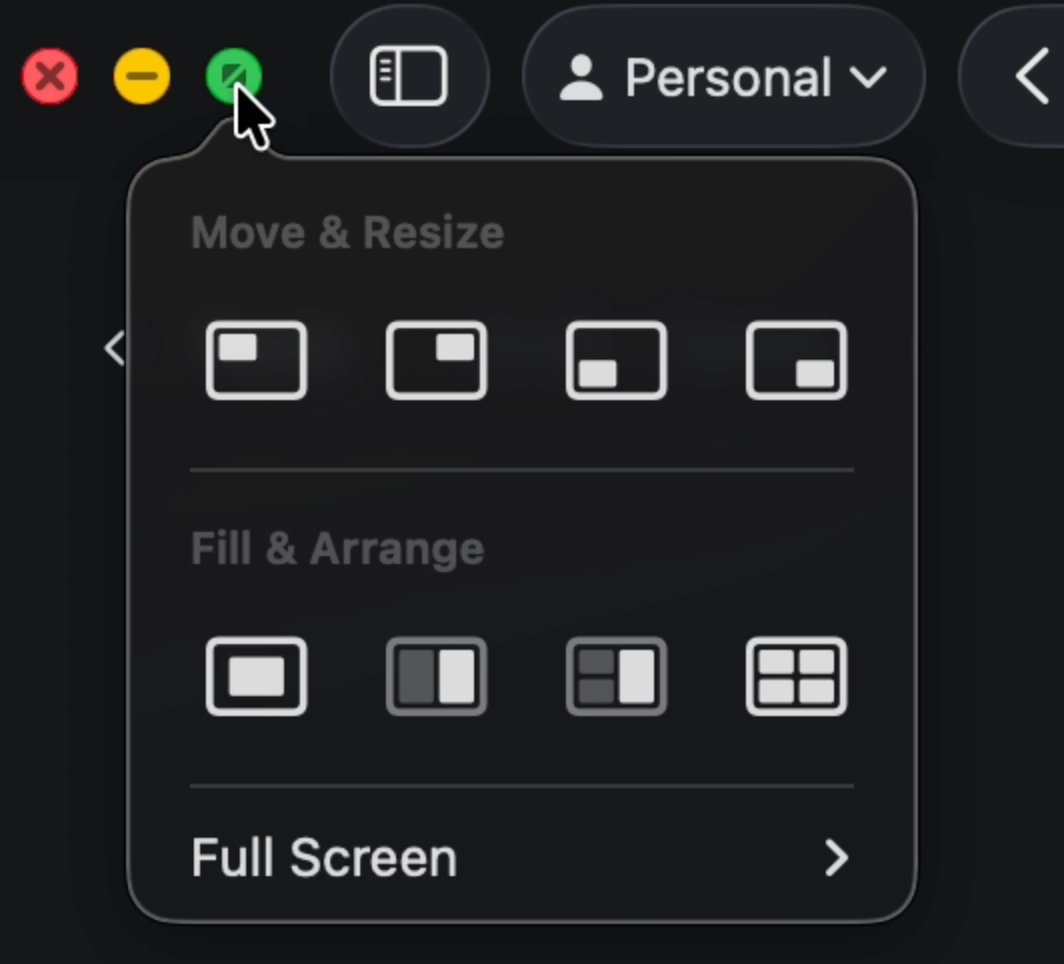
Give it a go and let me know your favorite new trick for this feature.
Member discussion